This project focuses on building a home SOC lab to simulate attacker activity and observe how it is captured, ingested, and analyzed within a SIEM. It demonstrates the basic workflow of attack simulation, log collection, alerting, and investigation.
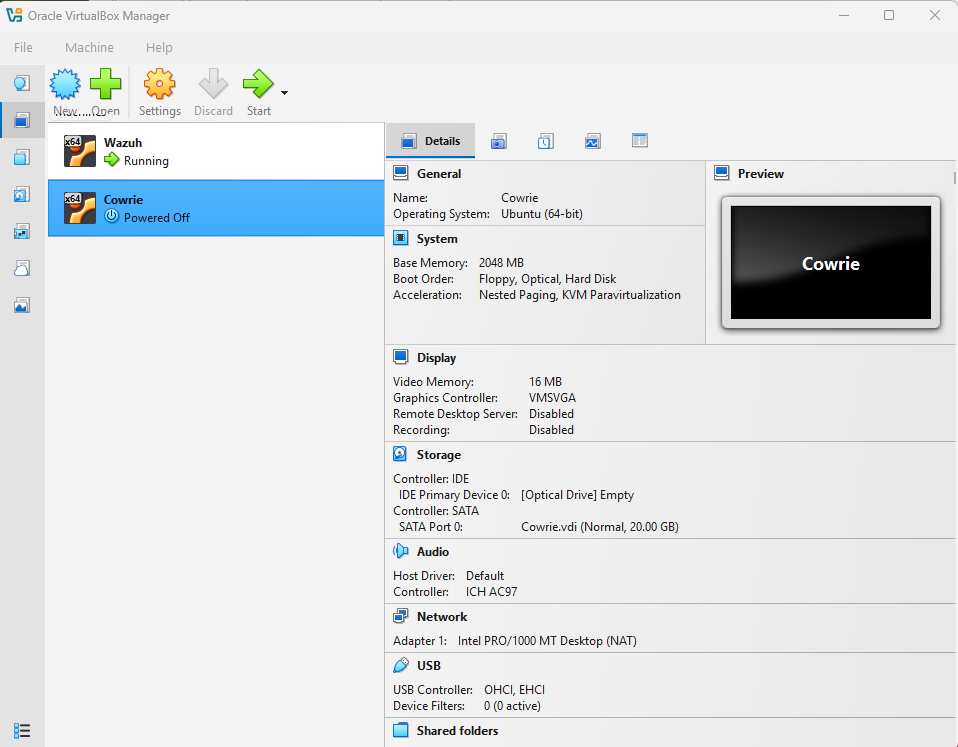
The lab was built using Oracle VM VirtualBox with multiple virtual machines to simulate a basic SOC environment. Wazuh was configured as the central SIEM for log collection and analysis, while Cowrie was deployed as an SSH honeypot to capture and monitor attacker activity.
Created virtual machines in Oracle VM VirtualBox to build the SOC environment.
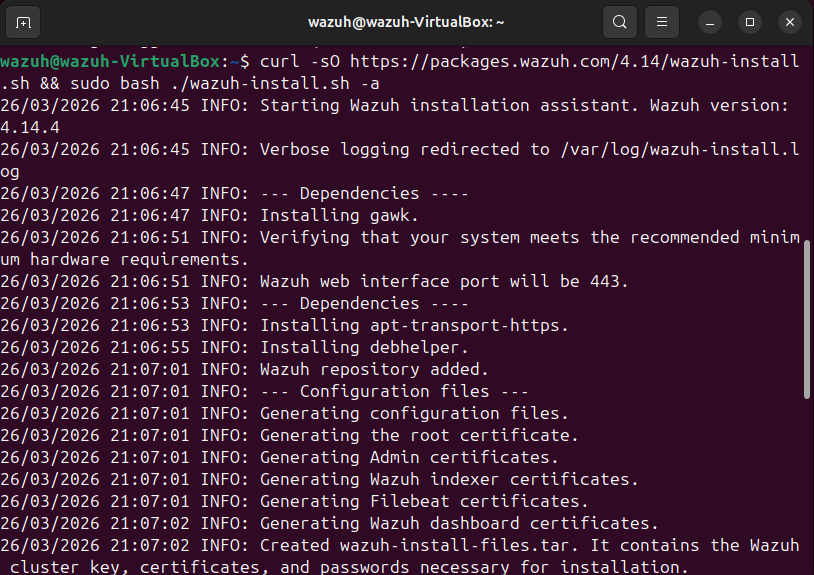
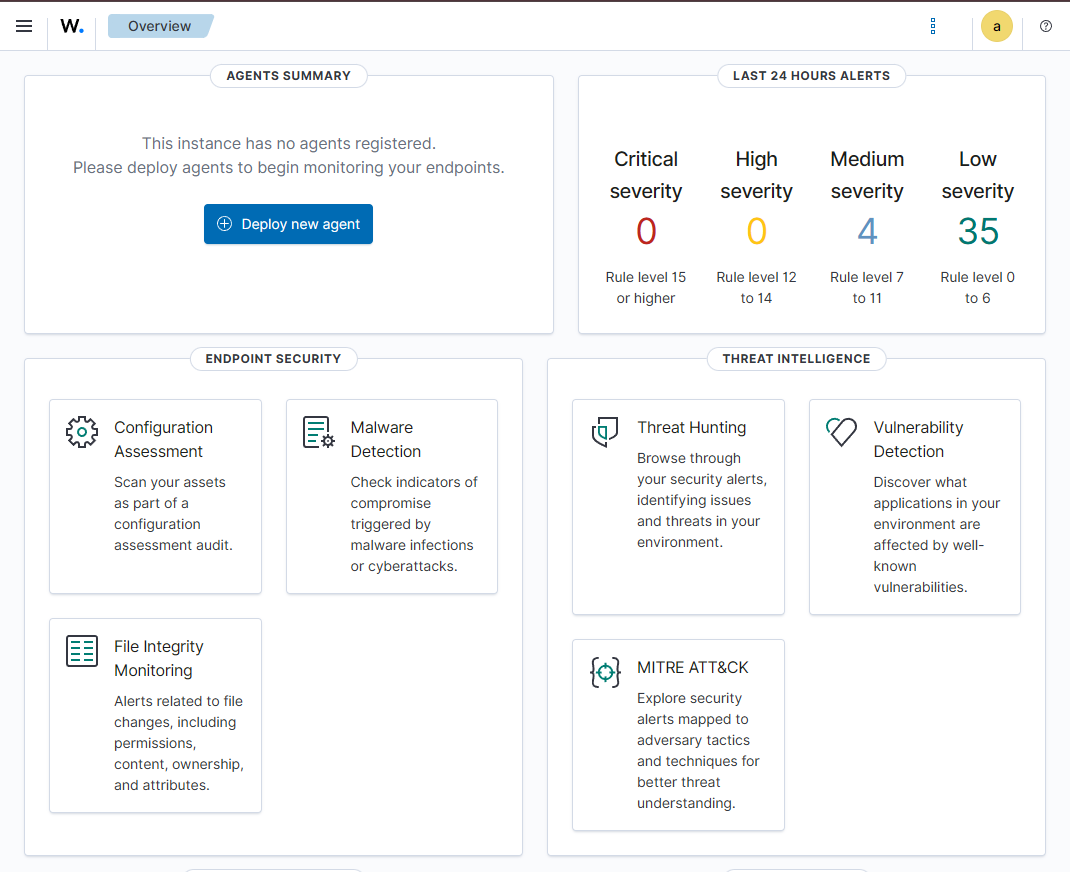
Installed Wazuh using the official script and confirmed it was working through the dashboard.
Generated failed authentication attempts using the su wazuh command to simulate suspicious login behavior.
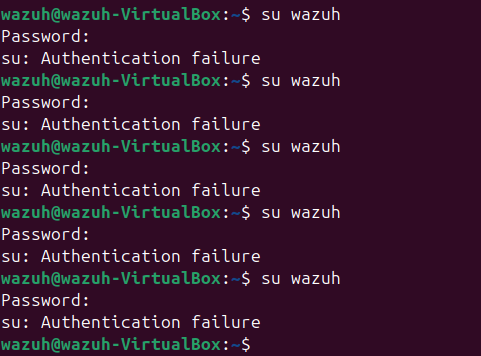
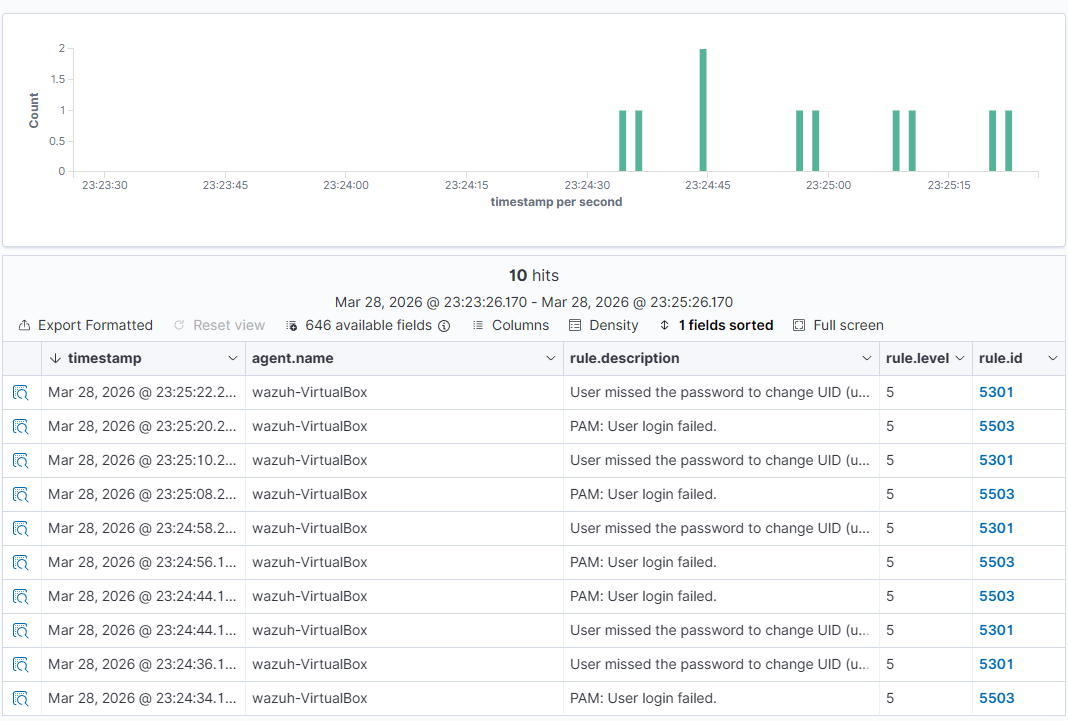
Observed that Wazuh detected the failed login attempts and generated alerts related to authentication failures.
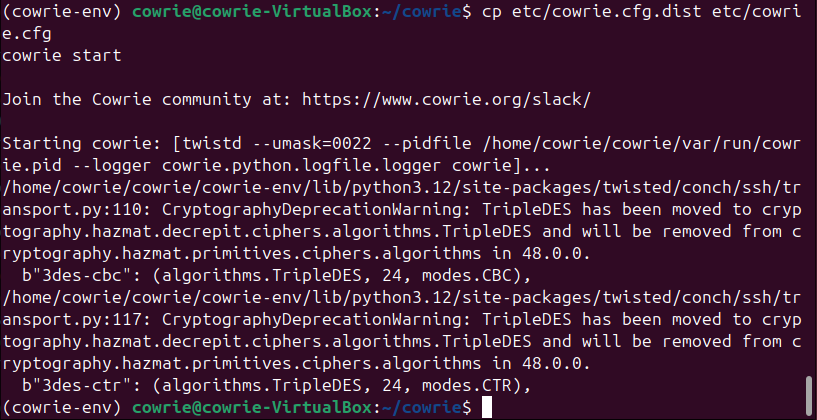
Configured and started the Cowrie SSH honeypot to capture attacker interactions.
Connected to the honeypot via SSH and executed commands to simulate attacker behavior.
Commands used:
ssh root@localhost -p 2222whoami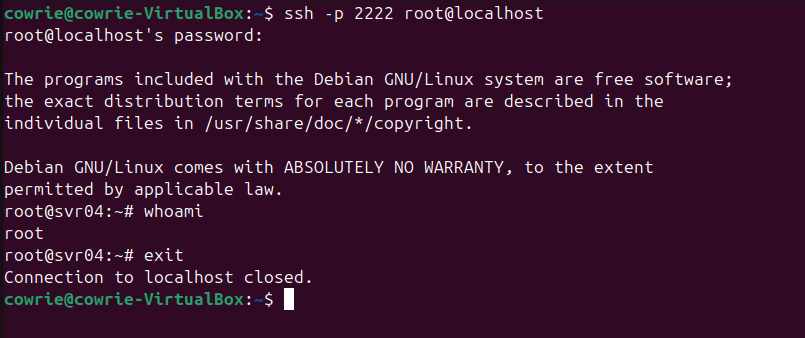
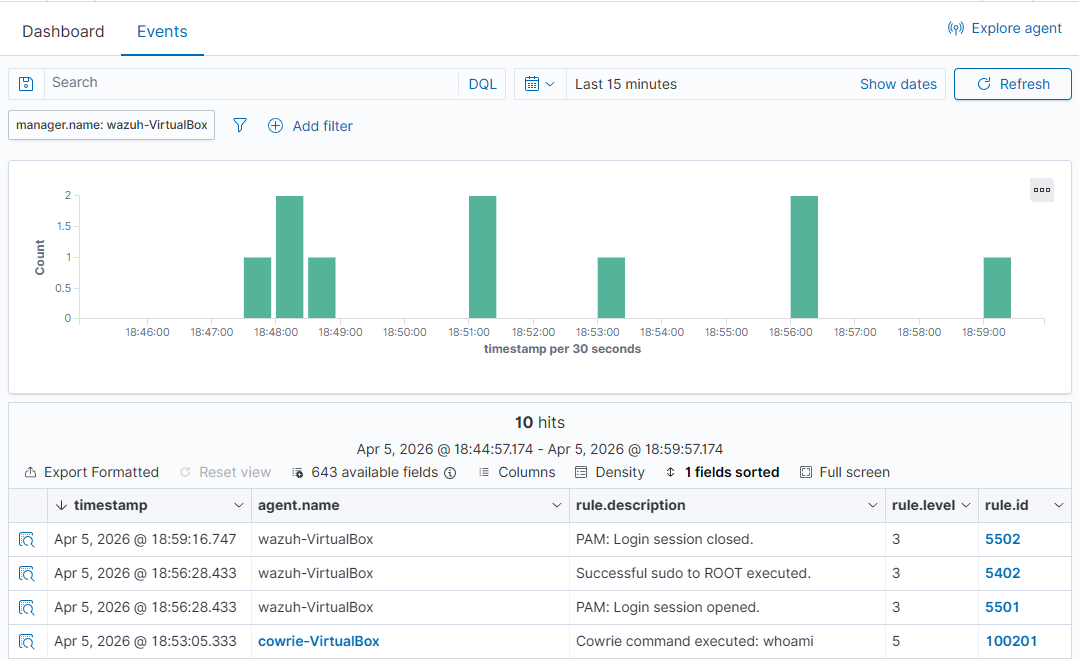
Verified that Wazuh detected honeypot activity including login sessions and command execution.